How to Compress a Photo to 50 KB for Online Exam Forms
Your phone photo is 3 MB and the form wants 50 KB. This is how to get there without turning your face into a blur.
By DocConvertPRO Editorial Team3 min read
Every form season the same thing happens. Students photograph themselves in front of a wall, upload the picture, and see the message "File size should be between 20 KB and 50 KB". The original file from a modern phone is often 2 to 6 MB, around a hundred times too large.
The fix is to reduce the file in a way that keeps your face sharp. Here is how to do that sensibly.
Why phone photos are so large
A phone camera captures many millions of pixels. A passport style photo only needs a few hundred pixels across. Resizing and compressing removes the extra detail nobody can see on the form.
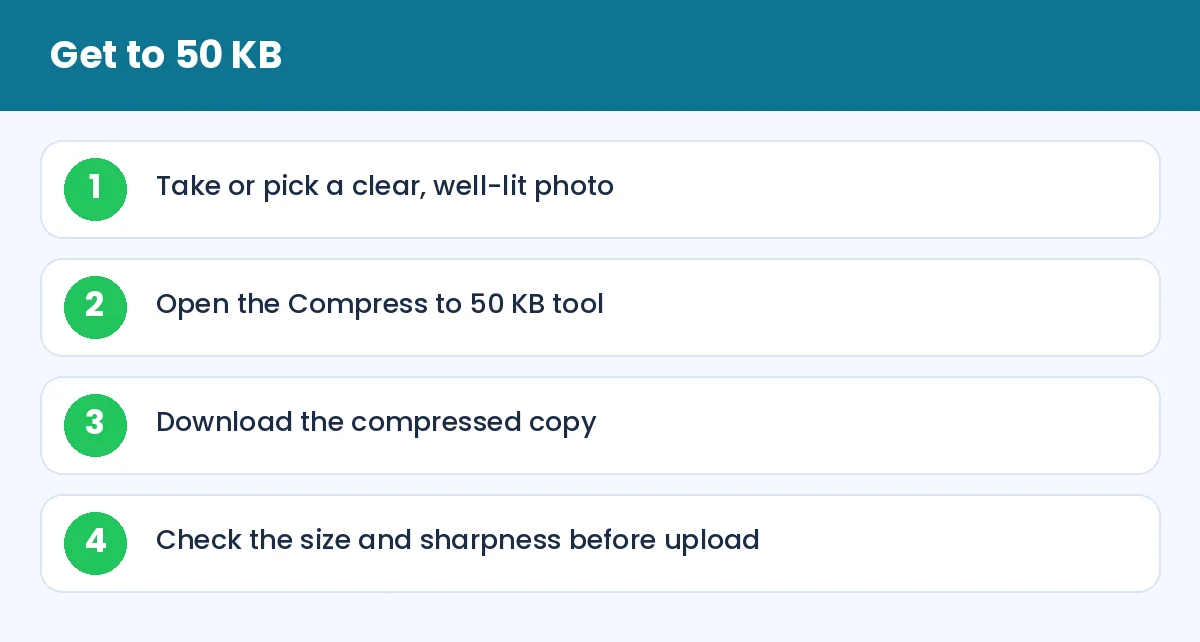
How to Compress a Photo to 50 KB for Online Exam Forms: Get to 50 KB (infographic)
The easy way
Open the Compress image to 50 KB page, choose your photo and let it process. If your form asks for a smaller size, use the matching page, such as 20 KB or 100 KB. Download the file and check its size in your phone's file manager.
If the form also specifies dimensions such as 200 x 230 pixels, resize first with Resize image, then compress. Doing it in that order gives the best quality, because the compressor has fewer pixels to squeeze.
Tips for a better result
Start with a good photo. Natural daylight from a window in front of you gives even light. Avoid shadows behind the head and avoid a busy background.
Do not zoom digitally. Stand a bit farther back and crop later with Crop image. Digital zoom reduces quality before compression even starts.
Use JPG. Most portals want JPG or JPEG. PNG files are bigger and may be rejected.
Keep the original. If the portal later asks for a different size, you do not want to compress an already compressed picture.
Tip: if the picture looks a little soft after compressing, it is usually fine at the small size the form displays. Judge it at 100% zoom, not by blowing it up.
What if it still will not upload?
Check the rules once more. Many portals reject files that are too small as well as too large, so a 12 KB image may fail where 30 KB passes. Check the file extension, because .jpeg and .jpg are treated differently by a few old sites. Try another browser, and avoid uploading on a weak mobile network, which can silently fail halfway.
Signature photos are different
A signature needs a white background, dark ink and no shadow. Sign with a black or blue pen on plain white paper, take the photo straight from above, crop tightly, and then compress. Over-compression can make thin strokes look broken.
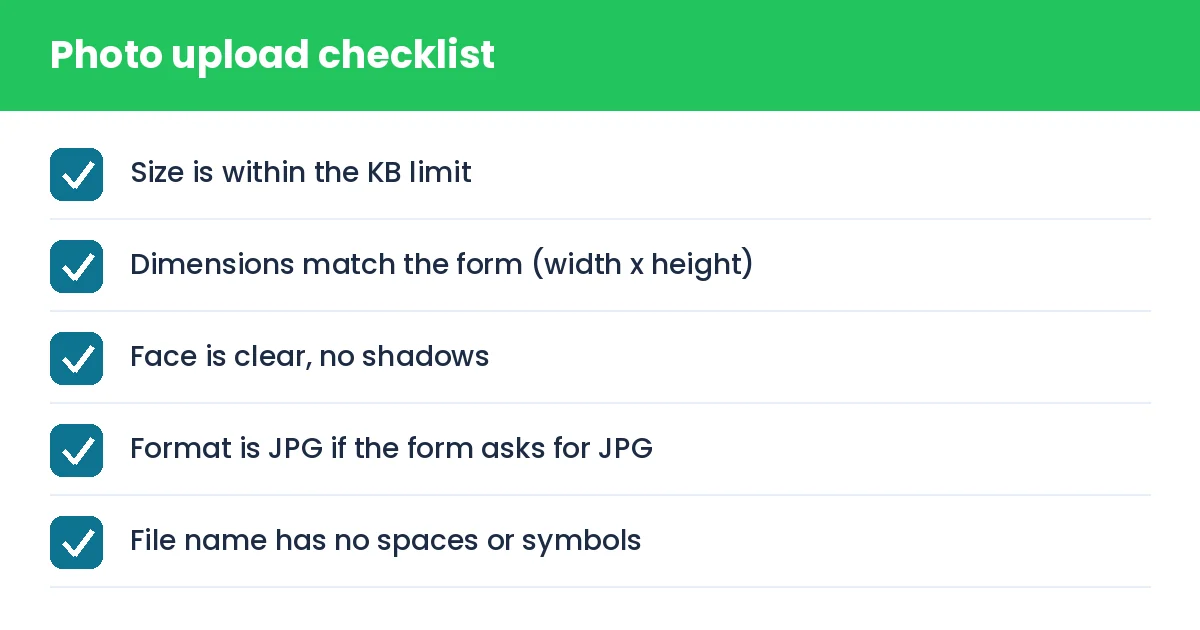
How to Compress a Photo to 50 KB for Online Exam Forms: Photo upload checklist (checklist)
Privacy
Photos contain your face and the document may contain your details. Use a tool that processes images on your device, and delete the files from shared computers after you finish.
Summary
Resize, then compress, check the size and look, keep the original. With a good source photo the whole task takes under a minute.