Need to rewrite or update text that is locked in a PDF? Convert it to Word, then fix the few things that need care.
By DocConvertPRO Editorial Team3 min read
PDFs are great for reading but hard to edit. When you receive a report, a contract draft or a form as a PDF and need to change it substantially, converting to Word is often the best route.
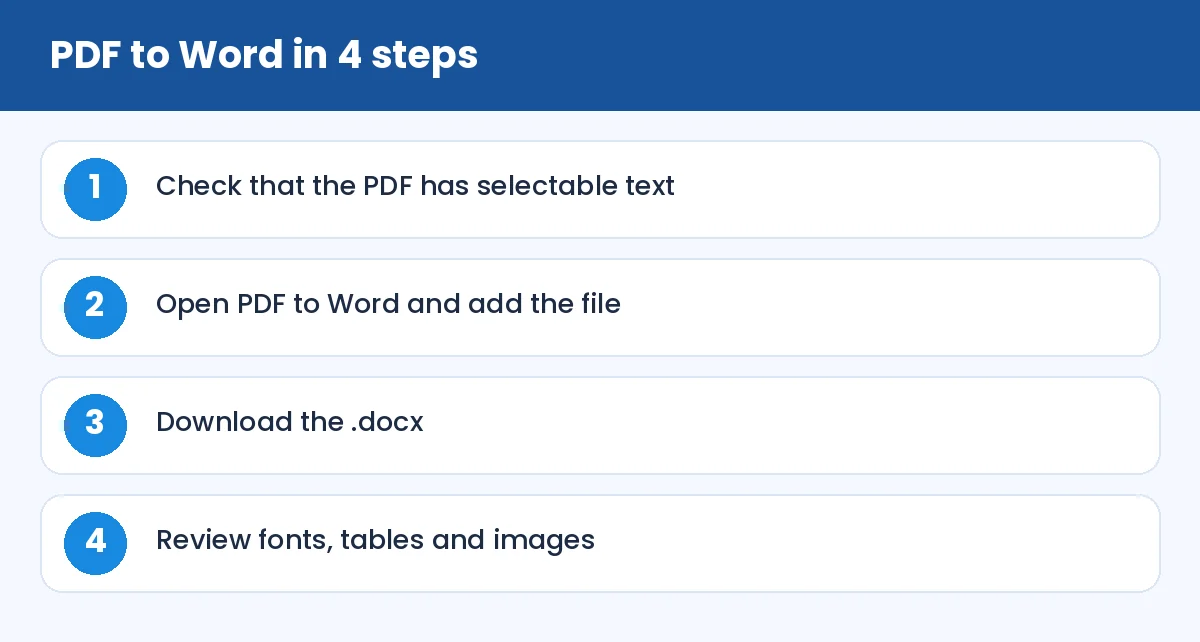
How to Convert PDF to Word and Edit the Text: PDF to Word in 4 steps (infographic)
How to convert
Open PDF to Word, add your file and convert. You will get a .docx you can open in Microsoft Word, Google Docs or LibreOffice. Text is placed in editable paragraphs and tables are rebuilt as tables wherever the layout allows.
What converts well
PDFs made from Word, Google Docs or other digital sources usually convert best. Headings, paragraphs, bullet lists and simple tables come through cleanly because the PDF still contains real text.
What needs care
Complex layouts. Multi-column magazines, text boxes and heavy graphics can shift. Expect to tidy them.
Unusual fonts. If the font is not on your computer, Word will substitute another one. Install the font or change it.
Scanned PDFs. A scan is just an image. There is no text to convert. You will need OCR, which reads the text from the picture. See our guide on extracting text from an image.
Forms. Fillable form fields may not survive conversion.
You do not always need Word. For a typo or a changed date, Edit PDF lets you fix the text directly in the PDF and keep the layout exactly as it was. Use Word conversion when you need to rewrite large parts of the text or restructure the document.
After editing
Convert your corrected document back with Word to PDF, and compress it with Compress PDF if you need to email it.
Be fair with other people's work
Convert and edit documents you own or have permission to change. Altering someone else's official document is not acceptable.
Tip: if a converted document looks messy, try changing the view to Print Layout in Word and turn on formatting marks. Many "problems" are just hidden line breaks.
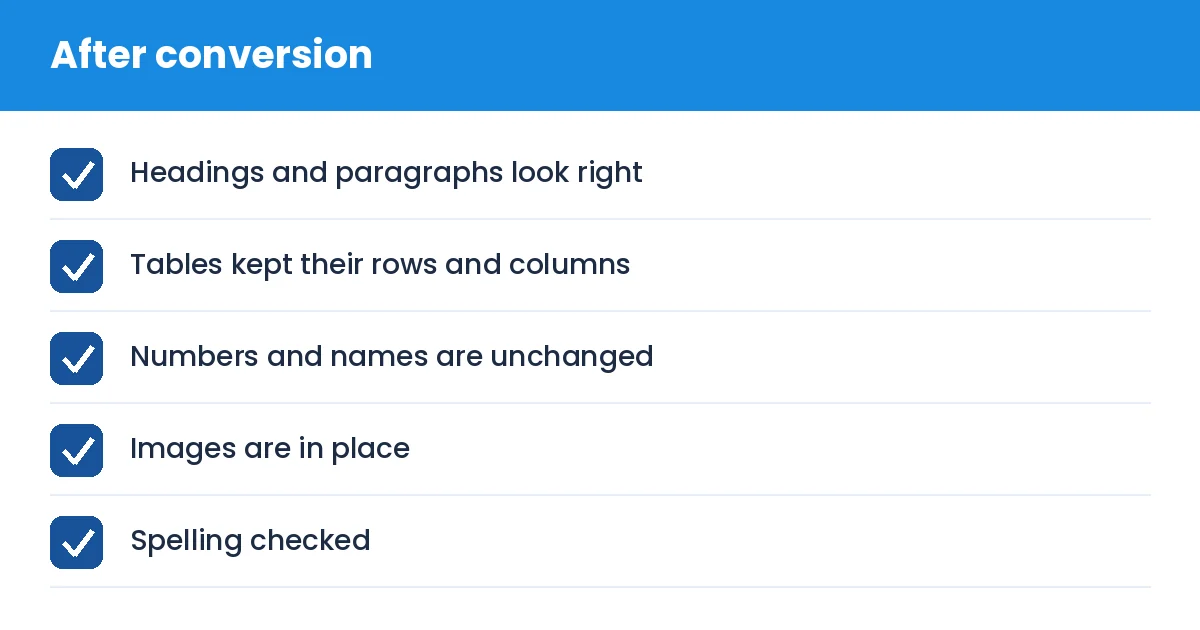
How to Convert PDF to Word and Edit the Text: After conversion (checklist)
Summary
Use Word conversion for heavy edits, in-place editing for tiny fixes, and OCR for scans. Always review the output before relying on it.