How to Check PAN, GSTIN and IFSC Formats Before You Submit a Form
One wrong character in a PAN or IFSC can stall a payment or application. Here is what each code looks like and how to check it.
By DocConvertPRO Editorial Team3 min read
Indian paperwork runs on short codes: PAN for tax, GSTIN for businesses and IFSC for bank branches. A single mistyped character can lead to a rejected form, a bounced payment or a delayed refund. A quick format check before you submit catches most of these errors.
A format check confirms that a code is structured correctly. It does not prove that the code is registered or belongs to a particular person. Always verify important details on the official portal or with your bank.
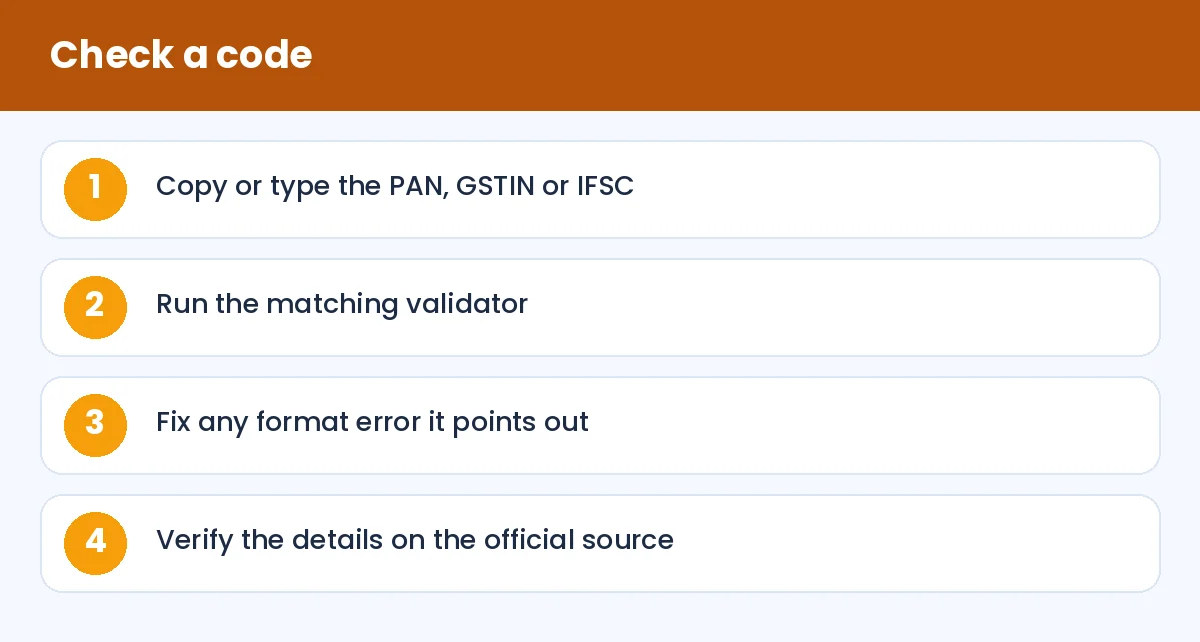
How to Check PAN, GSTIN and IFSC Formats Before You Submit a Form: Check a code (infographic)
PAN format
A PAN has 10 characters: five letters, four digits, then one letter, for example ABCDE1234F. The fourth letter indicates the type of holder, such as an individual or a company, and the fifth letter is usually the initial of the surname for individuals. Check it with the PAN card validator.
Common errors: swapping the letter O with the digit 0, or typing the digit 1 instead of the letter I.
GSTIN format
A GSTIN has 15 characters. The first two digits are the state code, the next ten are the PAN of the business, followed by an entity number, the letter Z by default and a check character. The GSTIN validator checks this structure. It is handy when you receive a supplier's invoice and want to catch typing slips before claiming input credit. See also our GST calculation guide.
IFSC format
An IFSC has 11 characters: four letters for the bank, a zero, and six characters for the branch, for example SBIN0001234. The fifth character is always zero. A wrong IFSC can make a transfer fail or, rarely, go to a different branch, so double-check before sending large payments.
Aadhaar numbers
Aadhaar numbers are 12 digits. A format and checksum tool such as the Aadhaar number validator can catch a mistyped digit. Never share your Aadhaar number publicly, and use masked copies wherever a form allows.
Habits that save trouble
Copy codes from official documents instead of retyping them.
Remove spaces and line breaks that sneak in with copy and paste.
Read each code aloud, slowly, when a payment is large.
Make a small test transfer to a new beneficiary if the amount is big.
Keep a private note of your own PAN and bank details to avoid repeated typing, stored safely.
Privacy and fraud
Do not enter identity numbers on sites you do not trust. Scammers also send messages asking you to "update PAN" or "verify KYC" through a link. Banks and the tax department do not ask for such details through random links, so go to the official app or site yourself.
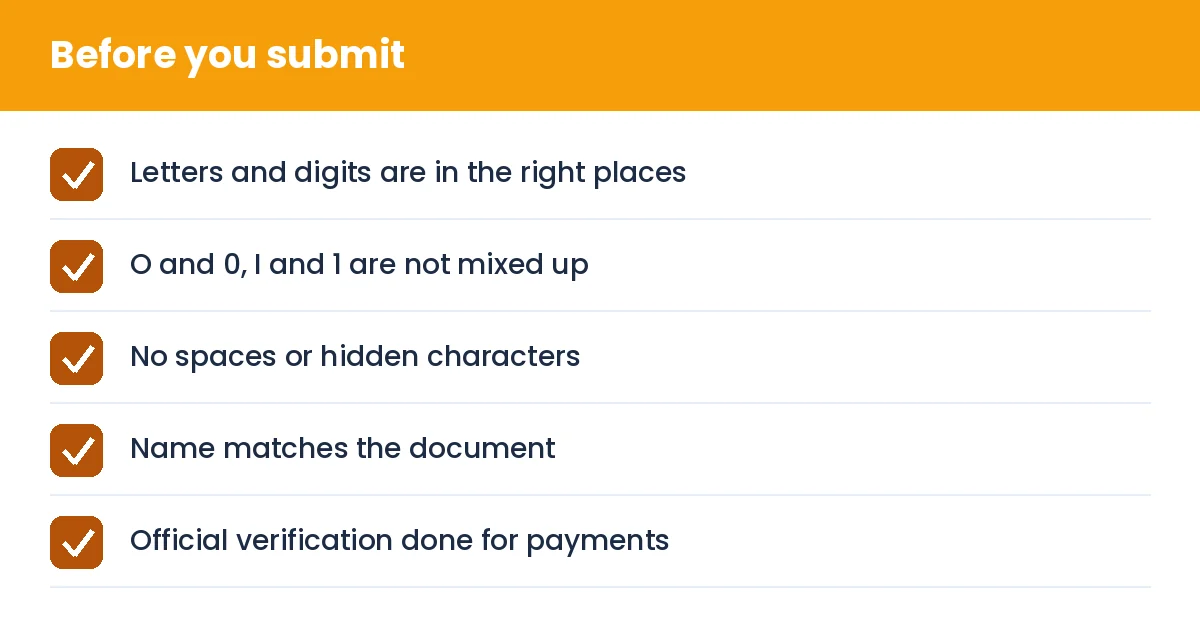
How to Check PAN, GSTIN and IFSC Formats Before You Submit a Form: Before you submit (checklist)
Summary
Validate the format, then verify the details at the source. It takes seconds and prevents a lot of rework.